


-v1665700116905.png?500x500&options=w_150)














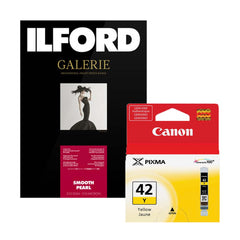









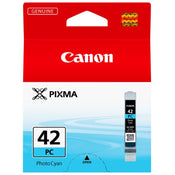
Canon CLI42PC A3+ Ink Cartridge Photo 60 Pages - Cyan


Availability
- Availability: Out of stock
This item is currently out of stock. Place an order and a dedicated team member will reach out to you for delivery expectation.
This item is currently out of stock. Place an order and a dedicated team member will reach out to you for delivery expectation.


Price Match
Fill out the price match form below, and we will be in touch shortly.
Price Match
Fill out the price match form below, and we will be in touch shortly.
 If you'd like to know when it's due, we're here to help!
 Call us during business hours at 02 9299 0177.
 Chat live with our team on-site.
 Or email us anytime at info@georges.com.au with the subject "Awaiting Arrival"
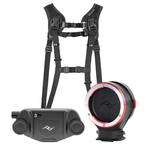
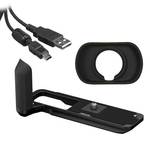
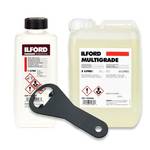
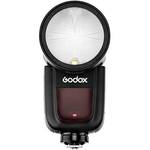
Recommended accessories
View all
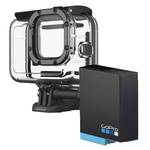
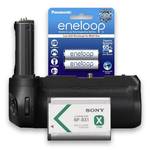
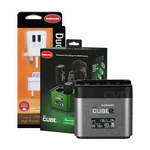
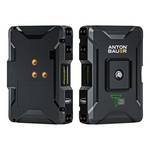
$11.48$15.95
$135.00$150.00
$16.95$25.99
$100.10$110.00
Product Overview

Need advice?
Speak to one of our dedicated Australian-based sales team members.
FAQs
What types of paper are best suited for use with the Canon CLI-42PC ink cartridge?
How does the ChromaLife100+ technology benefit my prints?
Can I use the CLI-42PC cartridge for non-photo printing?
What is the significance of the 13 ml ink tank capacity?
Is the CLI-42PC cartridge easy to install in the Canon PIXMA PRO-100 printer?
What maintenance should I perform to ensure optimal performance of my CLI-42PC cartridge?
Product Reviews
Recommended Accessories


Blog posts
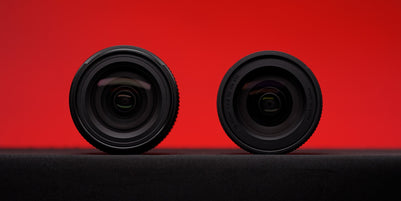
Tamron 16-50mm F2.8 vs Sigma 18-50mm F2.8: Which Compact APS-...
If you shoot on an APS-C mirrorless camera and want one lens that stays on the body most of the time, there's a good chance the Sigma 18-50mm F2.8 DC DN Contemporary...
View post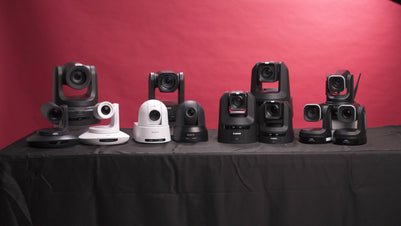
The Ultimate Guide to PTZ Cameras: Choosing the Right Setup f...
Compare Canon, Sony, BirdDog and Telycam PTZ cameras on image quality, tracking, zoom and value. Find the right setup for your production at Georges Cameras.
View post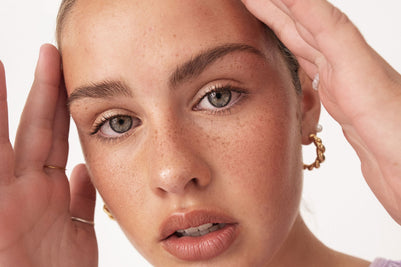
Beauty Lighting: How to Combine Hard and Soft Light to Make S...
A working beauty photographer’s guide to combining hard and soft light, beauty dish vs softbox, grids, negative fill and a clamshell setup you can copy, for skin that pops.
View post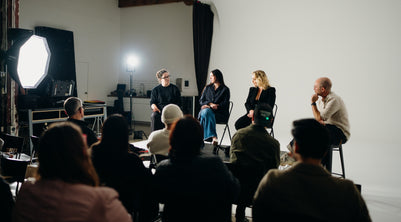
Everyone Can Take a Picture. Not Everyone Can Hold the Room
What an agent, a Vogue visuals producer and a brand-side creative lead really look for in photographers now. There is a point in almost every creative career where the work alone stops...
View post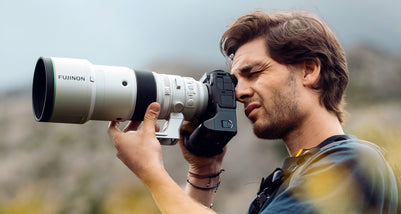
Beyond Reach: My Experience With the Fujifilm XF400mmF4.5 Sup...
Explore our hands-on experience with the Fujifilm XF400mmF4.5, covering its sharpness, autofocus, reach and performance for sport, wildlife, landscapes and portraits.
View post
Learn to Get the Shot Right In-Camera
Beauty photography tips from Oliver Minnett’s Georges workshop, covering lighting, direction, working with a creative team, and using Sony and Profoto gear.
View post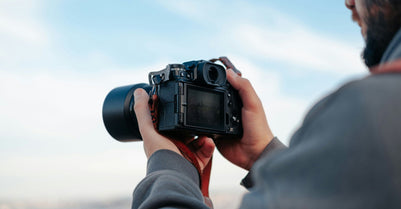
Stop Trying to Learn Everything at Once
Beauty photography tips from Oliver Minnett’s Georges workshop, covering lighting, direction, working with a creative team, and using Sony and Profoto gear.
View post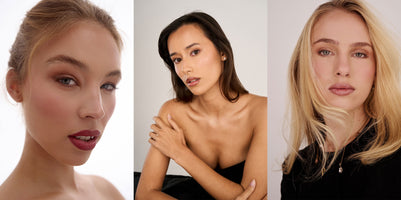
Beauty Photography Tips: Three Things I Wish I Knew Earlier
Beauty photography tips from Oliver Minnett’s Georges workshop, covering lighting, direction, working with a creative team, and using Sony and Profoto gear.
View post
How We Lit Karla Spetic's Australian Fashion Week Show with P...
We were invited by Karla Spetic to help light her runway, we chose Profoto's new LED lights for the job!
View post
Sony A7R VI First Thoughts: A Portrait Photographer’s Take on...
Sony has just launched the new Sony A7R VI, the latest camera in its high-resolution Alpha line, and I was lucky enough to spend some time with it earlier this week. I...
View post