

















Blackmagic Design DaVinci Resolve Micro Colour Panel


Availability
- Availability: Awaiting stock
This item is currently on backorder. To secure your allocation from the next shipment, please place a pre-order. Contact us for estimated arrival.
- Delivery: Awaiting stock
This item is currently on backorder. To secure your allocation from the next shipment, please place a pre-order. Contact us for estimated arrival.


Price Match
Fill out the price match form below, and we will be in touch shortly.

Price Match
Fill out the price match form below, and we will be in touch shortly.
 If you'd like to know when it's due, we're here to help!
 Call us during business hours at 02 9299 0177.
 Chat live with our team on-site.
 Or email us anytime at info@georges.com.au with the subject "Awaiting Arrival"
Recommended accessories
View all
$17.00$18.00
$247.49$281.24
$359.04$375.00
$41.83$83.66
Product Overview
Blackmagic Design DaVinci Resolve Micro Colour Panel
Powerful colour panel gives you all the control you need to create cinematic images. Includes controls for refined colour grading including adding windows. Connects via Bluetooth or USB-C.
What's in the box:
Blackmagic Design DaVinci Resolve Micro Colour Panel

Need advice?
Speak to one of our dedicated Australian-based sales team members.
FAQs
What advantages does using the Blackmagic Design DaVinci Resolve Micro Colour Panel offer for colour grading?
How does the connectivity of the Micro Colour Panel work with DaVinci Resolve software?
Can the Micro Colour Panel be used with other video editing software?
What type of projects is the Micro Colour Panel best suited for?
How does the internal battery of the Micro Colour Panel enhance its usability?
Is the Micro Colour Panel compatible with the iPad Pro?
What are some tips for getting the most out of the Micro Colour Panel?
Product Reviews
Recommended Accessories


Blog posts
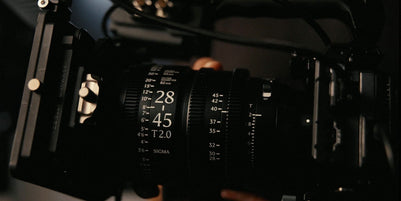
Sigma 28-45mm T2 FF AF Cine Review: Cinema Glass That Focuses...
The Sigma AF Cine 28-45mm T2 FF combines the optical performance of Sigma’s popular Art series with professional cinema features and reliable autofocus. In this hands-on review, Laz puts the lens through...
View post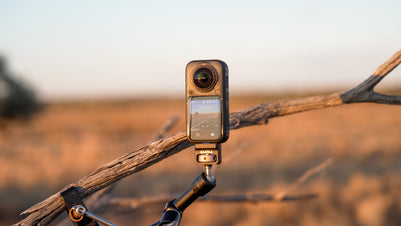
Insta360 X6 Review: 500 km Across the Simpson Desert
We put the Insta360 X6 to the ultimate test across 500 km of the Simpson Desert! From stunning low-light footage and 8K 360° video to replaceable lenses and wireless audio, discover how...
View post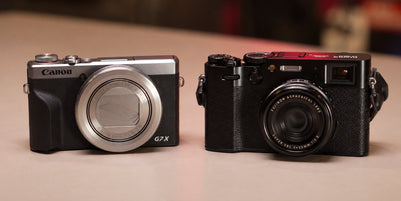
Canon G7 X Mark III vs Fujifilm X100VI: Which Should You Buy?
Compare the Canon PowerShot G7 X Mark III vs Fujifilm X100VI in our real-world camera comparison. Discover the differences in image quality, low-light performance, colour, video features, zoom, and price to find...
View post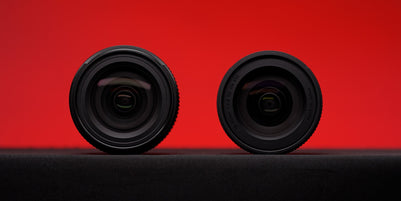
Tamron 16-50mm F2.8 vs Sigma 18-50mm F2.8: Which Compact APS-...
If you shoot on an APS-C mirrorless camera and want one lens that stays on the body most of the time, there's a good chance the Sigma 18-50mm F2.8 DC DN Contemporary...
View post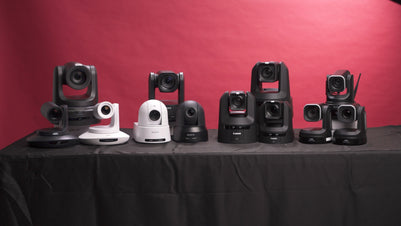
The Ultimate Guide to PTZ Cameras: Choosing the Right Setup f...
Compare Canon, Sony, BirdDog and Telycam PTZ cameras on image quality, tracking, zoom and value. Find the right setup for your production at Georges Cameras.
View post
Beauty Lighting: How to Combine Hard and Soft Light to Make S...
A working beauty photographer’s guide to combining hard and soft light, beauty dish vs softbox, grids, negative fill and a clamshell setup you can copy, for skin that pops.
View post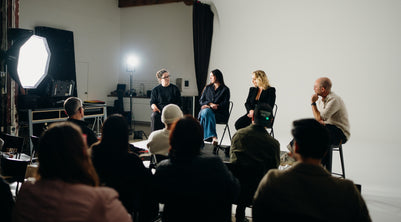
Everyone Can Take a Picture. Not Everyone Can Hold the Room
What an agent, a Vogue visuals producer and a brand-side creative lead really look for in photographers now. There is a point in almost every creative career where the work alone stops...
View post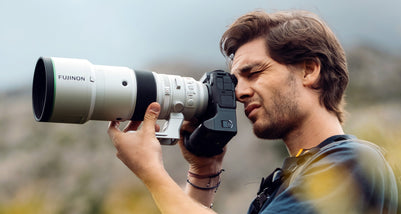
Beyond Reach: My Experience With the Fujifilm XF400mmF4.5 Sup...
Explore our hands-on experience with the Fujifilm XF400mmF4.5, covering its sharpness, autofocus, reach and performance for sport, wildlife, landscapes and portraits.
View post
Learn to Get the Shot Right In-Camera
Beauty photography tips from Oliver Minnett’s Georges workshop, covering lighting, direction, working with a creative team, and using Sony and Profoto gear.
View post
Stop Trying to Learn Everything at Once
Beauty photography tips from Oliver Minnett’s Georges workshop, covering lighting, direction, working with a creative team, and using Sony and Profoto gear.
View post